
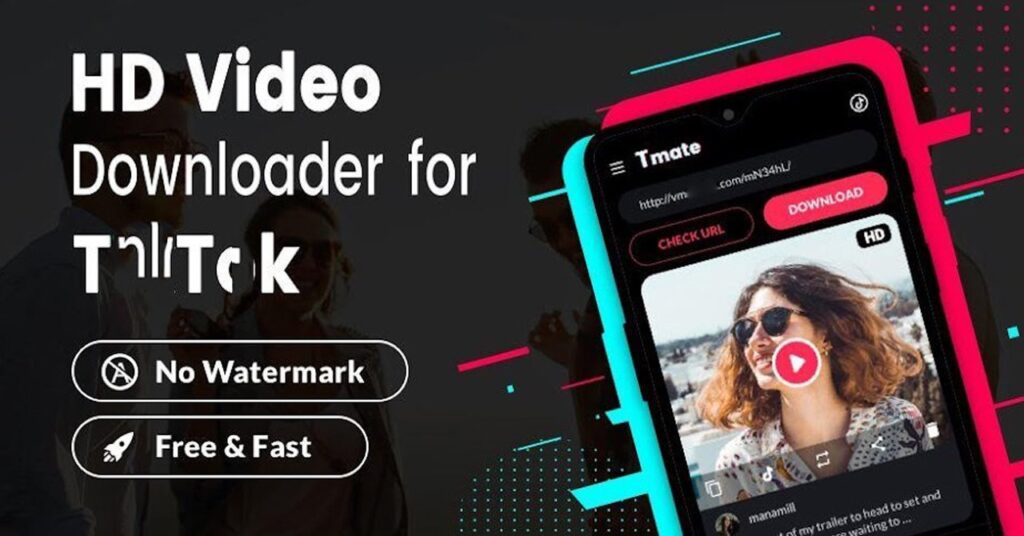
Saving a video can be useful for reviewing your own work, keeping an authorised reference, or watching a permitted clip when your connection is unreliable. The safest approach starts before you paste a link: check that you have the right to download it and that the platform allows the method you plan to use. Save Media Tools can help with supported public links, but a working download button is not permission to copy someone else’s work.
1. Check permission before you save
Only download content you own or have permission to use. A video being public does not make it free to reuse, and crediting the creator does not replace permission. Check the creator’s licence, any written consent, and the platform’s current terms. Where a platform offers an official offline feature or a creator-provided download, prefer that route.
Permission comes first. If you are unsure whether you may download or reuse a video, ask the rights holder or keep a link instead.
Keep the intended use in mind
Permission to watch, download, edit, and republish are different things. Music, artwork, and people appearing in a clip may involve additional rights. Save a copy of the licence or permission alongside your file, and do not bypass paywalls, private accounts, access controls, or digital rights management.
2. Copy the original video link
Open the video on its original platform and use its Share or Copy link option. Copy the address for the individual video rather than a profile, search result, or playlist. Make sure it is the clip you intended to save. A shortened share link may work, but support varies by platform and can change.
Never share a password, one-time code, session cookie, or private account link with a downloader. If a page asks you to sign into a social account, install an extension, or run a program just to obtain a file, stop and reassess. Keep your browser and device updated, and use ordinary browser security protections.
3. Choose the right Save Media Tools tool
Visit Save Media Tools directly and select the tool matching the source platform, such as YouTube, TikTok, Instagram, Facebook, or X. Paste the copied link into the download form and follow the options shown. Available formats and results depend on the source, the particular video, and current platform support; not every link will work.
If the link does not work
Check for missing characters and confirm that the video is still publicly accessible. Try copying its original share link again. A removed, restricted, private, or unsupported video may not be available. Do not try to defeat those restrictions. Return to the creator’s authorised download option or contact them instead.
4. Pick a sensible format and quality
Choose from the formats the tool actually offers. MP4 is widely supported for video, although playback also depends on the codec inside the file. Select audio only when that option is available and you have permission to save the audio. A thumbnail download is an image, not the video itself, and the same rights checks still apply.
- For a phone: a moderate resolution can reduce storage use and transfer time.
- For a larger screen: choose higher quality when the source supports it and you need the extra detail.
- For audio: check compatibility with your player and avoid unnecessary conversions.
- For an archive: keep the original filename or add a clear title, creator, and date.
A higher number does not restore detail that was never in the source. Avoid repeatedly converting a file, which can reduce quality. Before downloading on mobile data, consider the file size and your data allowance.
5. Check the file and store it responsibly
Use the browser’s normal download controls, then check the filename and extension before opening the result. A video should not require an executable installer. Ignore unexpected pop-ups, unrelated download buttons, and requests to disable security software. If a result looks suspicious, delete it and use an official source.
Play the file briefly to confirm that it is the expected clip and that sound and picture work. Store permitted downloads in a clearly named folder, keep any attribution required by the licence, and avoid sharing files beyond the permission you received. Delete copies when you no longer need them or when your permission ends.
A careful workflow is simple: verify permission, copy the correct link, use the matching tool, choose an appropriate format, and check the result. Saving responsibly protects both your device and the creators whose work you enjoy.